Sales-to-Production Workflow CRM for Home Contractors
A sales-to-production workflow CRM connects leads, estimates, payments, materials, and production for home improvement companies. Book a demo today.
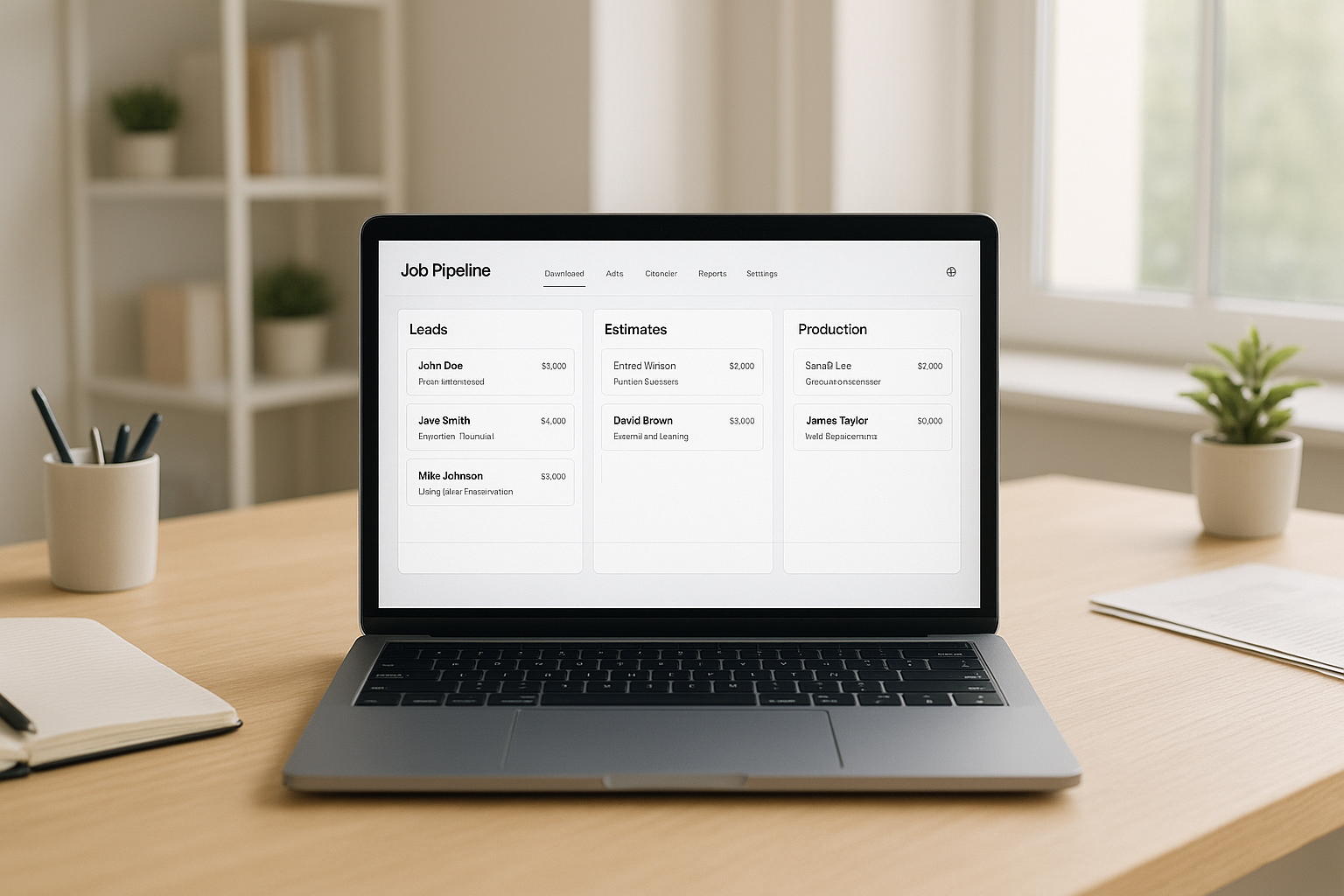
A sales-to-production workflow CRM is a system that keeps a home improvement job connected from the first phone call all the way through installation and final payment. Instead of juggling a lead spreadsheet, a separate estimating tool, and a paper-based production schedule, office staff, sales reps, and crews work from one shared job record. As a result, fewer details get lost, and jobs move forward with less manual follow-up.
Home improvement companies often grow faster than their internal systems can keep up with. In particular, the handoff between sales closing a deal and production starting the actual work is where many businesses lose time, misplace information, or duplicate effort. This article explains what a sales-to-production workflow CRM is, why it matters, and how a connected system like LeadFlow keeps every stage of a job aligned.
A sales-to-production workflow CRM keeps lead, estimate, and job data in one connected view.
What Is a Sales-to-Production Workflow CRM?
A sales-to-production workflow CRM is a connected workflow CRM that tracks a home improvement job through every stage, including lead intake, appointments, estimates, signatures, payments, materials, production, and final payment, all inside one system. Rather than treating sales and production as separate functions, it treats the job as a single ongoing record that both teams can see.
This differs from a traditional CRM, which usually stops tracking a customer once a sale closes. In contrast, a sales-to-production workflow CRM continues the record forward, so production crews, office staff, and even accounting can reference the same job details without re-entering them. For example, according to the general definition of customer relationship management, most CRM platforms focus narrowly on sales interactions. A workflow CRM built for home improvement extends that concept across the operational side of the business as well.
Why Home Improvement Companies Need a Connected Workflow CRM
Home improvement work involves many moving parts: a sales rep closes a deal, an estimator finalizes pricing, a scheduler books production, and a crew completes the installation. Without a shared system, each handoff relies on emails, phone calls, or sticky notes. Consequently, details about product selections, measurements, or customer preferences can get lost between departments.
Industry data illustrates how large this coordination challenge has become. According to U.S. Census Bureau figures, home improvement and residential repair spending has consistently exceeded hundreds of billions of dollars annually in recent years, which means even small inefficiencies multiply across thousands of jobs. Therefore, companies that connect sales and production into one workflow typically reduce the administrative time spent chasing down job information.
Furthermore, organizations like the National Association of Home Builders regularly highlight labor and scheduling efficiency as ongoing pressure points for remodeling and improvement businesses. A connected workflow CRM directly addresses that pressure by keeping the job moving without constant manual intervention.
Key Features of a Sales-to-Production Workflow CRM
Not every CRM is designed for the full lifecycle of a home improvement job. Specifically, a true sales-to-production workflow CRM typically includes the following capabilities:
- Lead and call queue management so sales reps can prioritize follow-up without losing track of prospects.
- Online estimates and e-signatures that attach directly to the job record instead of living in a separate document folder.
- Automatic production job creation once a sale is recorded, which removes a manual data entry step.
- Job-linked material ordering, including the ability to email material orders tied to a specific job.
- A shared job board, such as a TV job board, so production status is visible to the whole team at a glance.
- Reporting across the operation, covering sales performance, job costing, and marketing results.
LeadFlow, for instance, brings these features together in one platform, and the materials and production tour shows how a job moves from a signed estimate into an active production schedule without manual re-entry.
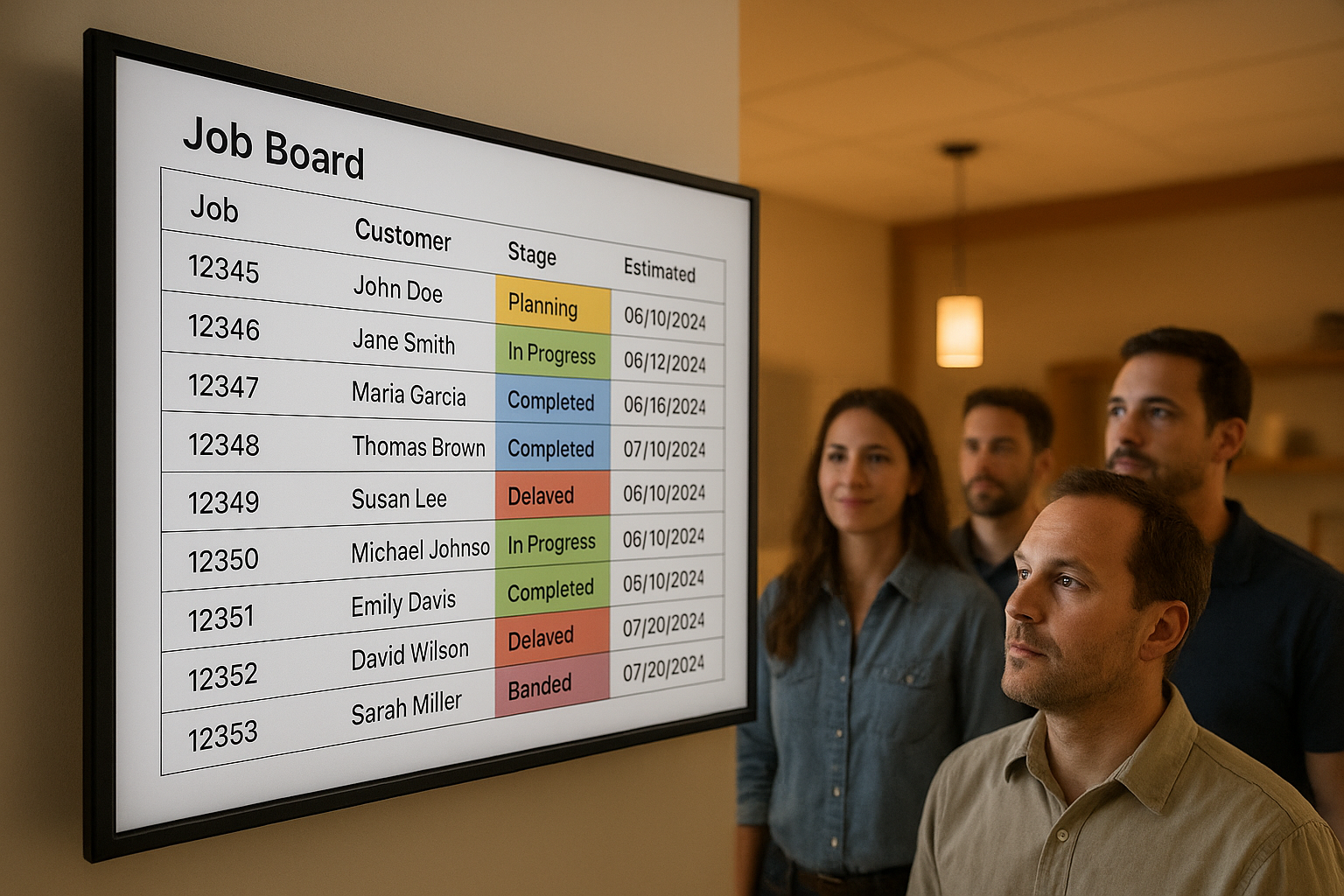
A shared job board keeps office staff and production crews aligned on job status.
How a Sales-to-Production Workflow Moves a Job From Lead to Final Payment
Understanding the stages involved helps clarify why a connected system matters so much. Below is the typical sequence a job follows inside a sales-to-production workflow CRM:
- Capture and qualify the lead. Record contact details, project type, and lead source so sales and office staff share the same starting point.
- Schedule the appointment and build the estimate. Book the appointment, then attach pricing, photos, and product details to that job record.
- Collect the signature and deposit payment. Send the estimate for an electronic signature and process the deposit online.
- Order materials and schedule production. Email the material order tied to the job, then assign the production crew.
- Track milestones through completion and final payment. Update progress on the job board and collect the final payment once work is done.
Notably, this sequence works best when each step automatically feeds the next. For example, when a sale is recorded, a production job can be created automatically rather than requiring a scheduler to rebuild it from scratch. A real-world example of this shift is documented in this case study on moving from operational friction to a connected workflow.
Choosing the Right Workflow CRM for Your Team
Selecting a workflow CRM depends largely on team size and operational complexity. A solo operator or small crew may only need basic lead and estimate tracking, while a growing office with dedicated sales and production staff benefits more from automated handoffs and job-linked material ordering.
Consider the following when comparing options:
- How many users need access now, and how many will likely need access as the team grows.
- Whether existing leads and jobs can be migrated from spreadsheets or a prior CRM without losing history.
- What onboarding support is included, such as configuration, data migration, and live training.
- Whether the platform supports multiple locations if the business operates in more than one market.
LeadFlow, for example, offers Starter, Pro, Business, and Enterprise tiers supporting up to 3, 10, 25, and larger team sizes respectively, all on month-to-month plans with no long-term contract. Reviewing the platform tour before booking a demo can help a team confirm the workflow matches how they currently operate.
Common Mistakes When Managing Sales-to-Production Handoffs
Even companies that recognize the need for a connected system sometimes implement it poorly. One common mistake is relying on manual exports, such as emailing a signed estimate to production instead of linking it directly to the job record. This creates version control issues and delays.
Another frequent issue is skipping data migration. As a result, historical job and customer information stays locked in an old spreadsheet or CRM, forcing staff to check two systems instead of one. Similarly, companies that underestimate training often see low adoption, since sales and production staff revert to familiar habits if the new system feels unfamiliar.
Finally, some businesses choose a plan that is already too small for their team size. Consequently, they outgrow the user limit within months and face a disruptive mid-year upgrade. Choosing a flexible, month-to-month production workflow software option helps avoid this by making it easy to move up a tier as the team grows.

Job-linked material orders keep production crews prepared before work begins.
Frequently Asked Questions
What is a sales-to-production workflow CRM?
A sales-to-production workflow CRM is a system that connects every stage of a home improvement job, from the first lead through estimating, signatures, payments, materials, production, and final payment. It keeps office, sales, and production teams working from the same job record instead of separate spreadsheets or tools.
How does a sales-to-production workflow CRM reduce administrative work?
It reduces administrative work by eliminating duplicate data entry between sales and production. For example, when a sale is recorded, a production job can be created automatically instead of requiring staff to re-enter job details in a separate system.
Why do home improvement companies need a connected workflow instead of separate tools?
Separate tools for leads, estimates, and production often cause information to get lost between handoffs. A connected workflow keeps customer details, job notes, and documents attached to one record so nothing falls through the cracks as a job moves forward.
How much does LeadFlow cost?
LeadFlow is offered on month-to-month plans with no long-term contract, and pricing depends on team size and feature needs. Starter supports up to 3 users, Pro supports up to 10 users, Business supports up to 25 users, and Enterprise plans are available for larger or multi-location teams.
What is included in LeadFlow's setup and onboarding?
Onboarding can include account configuration, data migration, user setup, and live team training. This done-for-you approach is designed to get office, sales, and production staff working inside the workflow without a steep learning curve.
Can existing leads and jobs be migrated into a workflow CRM?
Yes, existing leads and jobs can typically be migrated from spreadsheets or a previous CRM as part of onboarding. This helps a company preserve job history and customer records instead of starting from a blank slate.
What is the difference between a sales-to-production workflow CRM and basic lead tracking software?
Basic lead tracking software typically stops once a deal closes, while a sales-to-production workflow CRM continues the job through materials, production milestones, and final payment. In contrast, the connected approach keeps reporting and job costing tied to the full lifecycle of the project.
How long does it take to launch a sales-to-production workflow CRM?
Launch timelines vary based on team size, data migration needs, and how many workflow stages require configuration. Companies with simpler setups and fewer users generally launch faster than multi-location teams migrating large amounts of historical data.
What happens if a team grows past its current plan limit?
Because plans are month-to-month, a growing team can move up to a higher user tier, such as from Pro to Business, or to an Enterprise plan for larger or multi-location operations. There is no requirement to stay locked into a plan that no longer fits.
What common mistakes do companies make when connecting sales and production?
A common mistake is relying on manual handoffs, such as emailing estimate details to a production manager, which creates delays and version errors. Another frequent issue is failing to track milestones, which makes it difficult to know where a job actually stands.
Does a sales-to-production workflow CRM support multiple locations?
Yes, Enterprise plans are generally built for larger teams or companies operating across multiple locations. Each company also receives an isolated, private workspace so job data stays separated by business unit or location as needed.
Is company data kept private and secure in a workflow CRM?
A well-built workflow CRM gives each company an isolated, private workspace rather than mixing data across customers. This separation is a baseline expectation for any business software handling customer records, estimates, and payment information.
What reporting capabilities should a sales-to-production workflow CRM include?
Useful reporting should cover sales performance, job costing, production milestones, and marketing results in one place. Above all, reporting should reflect the full job lifecycle rather than only the sales stage.
Can a workflow CRM automatically create production jobs after a sale?
Yes, some systems can automatically create a production job the moment a sale is recorded, which removes a manual handoff step. This keeps production scheduling moving without waiting on office staff to re-enter job information.
What is LeadFlow's cancellation policy?
LeadFlow is offered month-to-month, and customers can cancel at any time. There is no long-term subscription contract required to use the platform.
Final Thoughts on Connecting Sales and Production
In the end, a sales-to-production workflow CRM solves a problem that spreadsheets and disconnected tools cannot: keeping office staff, sales reps, and production crews aligned on the same job from start to finish. Rather than re-entering data at every handoff, teams can move a job from lead to final payment inside one connected system.
For home improvement companies weighing their options, reviewing an actual workflow tour or exploring LeadFlow's platform overview is a practical next step before committing to a demo. A connected workflow does not promise more leads or more sales, but it does promise fewer dropped handoffs and less time spent chasing paperwork between departments.