CRM for Solar Companies: From Lead to Final Install
Looking for a CRM for solar companies that connects leads, estimates, and installs? See how LeadFlow keeps solar teams aligned—book a demo today.
A CRM for solar companies is purpose-built software that organizes every stage of a solar job, from the first lead to the final install, inside one connected system. Solar businesses juggle long sales cycles, permitting steps, equipment lead times, and crews in the field, so a spreadsheet or a basic contact list quickly becomes a bottleneck. Therefore, this guide breaks down exactly what a CRM for solar companies should include, how it compares to generic sales software, and how LeadFlow, a connected workflow CRM for home improvement companies, handles a solar job from the first call through final payment.
Quick answer: A CRM for solar companies connects leads, site visits, estimates, signatures, payments, permitting, material orders, and production inside one system instead of scattered spreadsheets or email threads. As a result, office staff, sales reps, and installation crews all work from the same information, and nothing falls through the cracks between departments.
Jump to a section:
- What Is a CRM for Solar Companies?
- Why Solar Companies Need a Connected Workflow CRM
- Must-Have Features in Solar CRM Software
- Compliance, Permitting, and Finance Tracking
- Solar CRM vs. Spreadsheets and Generic Tools
- How LeadFlow Works as a CRM for Solar Companies
- Measuring ROI and KPIs
- Frequently Asked Questions
What Is a CRM for Solar Companies?
A CRM for solar companies is a customer relationship management platform, meaning software that organizes customer and job information, built around the exact steps of a solar job: qualifying a prospect, scheduling a site assessment, building a proposal, collecting a signed contract and deposit, ordering equipment, scheduling the installation crew, and tracking the project through final payment and permission-to-operate. Generic contact databases were never designed for this sequence, which is precisely why many solar businesses eventually move to a workflow-specific system instead.
For example, a sales rep using a connected CRM can see a prospect's appointment history, send an online estimate, and later check installation status without switching between separate tools. According to the Solar Energy Industries Association (SEIA), the U.S. solar industry installed roughly 32 gigawatts of new capacity in 2023, a record at the time. That volume of installed capacity means thousands of individual jobs were moving through sales, permitting, and installation simultaneously, which is exactly the kind of workload a connected CRM is built to organize.
In particular, the term "CRM for solar companies" has grown alongside the industry itself. As more installers compete for the same homeowners, the businesses that respond fastest and keep the cleanest records tend to close more deals. Consequently, choosing the right system is no longer a back-office decision; it directly affects revenue.
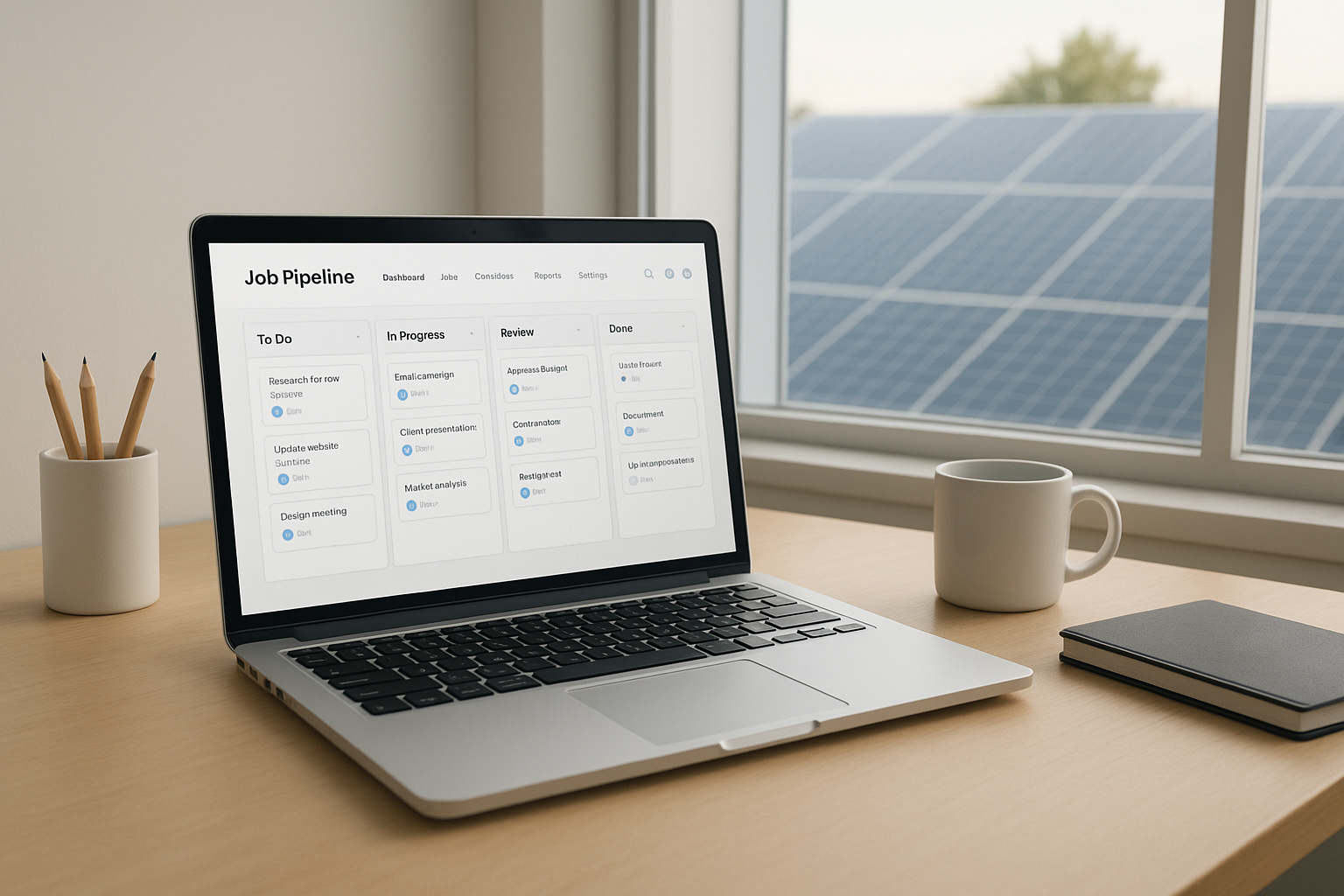
A connected CRM for solar companies keeps lead, estimate, and job data in one dashboard view.
Why Solar Companies Need a Connected Workflow CRM
Solar installation involves more moving parts than most other home improvement projects. Specifically, financing approval, utility interconnection paperwork, equipment lead times, and crew scheduling all need to line up correctly, often across several weeks or months. Consequently, a disconnected set of tools, a spreadsheet for leads, a separate app for scheduling, and email for material orders, creates gaps where jobs quietly stall without anyone noticing.
In contrast, a connected workflow CRM keeps the same job record moving from the first call through the final install. For instance, when a sale is recorded, a production job can be created automatically instead of waiting on someone to re-enter the details by hand. Material orders can be emailed directly and linked to that same job, so the office always knows what has been ordered and what is still pending.
Above all, because every department views the same job record, handoffs between sales and production happen with less back and forth and fewer dropped details. Similarly, owners gain a single source of truth for forecasting revenue, scheduling crews, and spotting bottlenecks before they turn into missed deadlines.
Must-Have Features in Solar CRM Software
Not every CRM is built for the way solar jobs actually move. Therefore, it helps to compare options against the specific features a solar workflow needs:
- Lead and prospect tracking with call queues and automated follow-up reminders
- Online estimates, system design photos, and e-signatures for faster contract turnaround
- Deposit and payment collection tied directly to the job record
- Automatic production job creation the moment a sale closes
- Material and equipment ordering linked to the specific job
- A visual job board production crews can check without calling the office
- Permitting, interconnection, and milestone tracking through final inspection
- A mobile view field technicians can use on-site, away from a desktop
- Reporting on sales performance, job costing, and production timelines
Above all, the goal is one job record that every department can trust, rather than several partial records scattered across different tools and inboxes.
Compliance, Permitting, and Finance Tracking Inside a Solar CRM
Solar jobs do not end once a contract is signed. In fact, most of the complexity happens afterward, during permitting and interconnection. In the United States, installers often track NABCEP (North American Board of Certified Energy Practitioners) credentials and utility interconnection paperwork for each job. In the United Kingdom, installers typically manage MCS (Microgeneration Certification Scheme) compliance records and DNO (Distribution Network Operator) applications, commonly referred to as G98 or G99 notifications, before a system can be switched on.
A workflow-built CRM for solar companies gives each job its own checklist for these steps, so nothing gets missed between the signed contract and permission-to-operate. In addition, many solar businesses also need to track financing: homeowners frequently pay through a solar loan, lease, or power purchase agreement rather than cash. As a result, a solar CRM that logs the finance partner, approval status, and funding date on the job record saves the office from chasing that information through email later.
For broader guidance on solar program standards and planning, the U.S. Department of Energy's solar office publishes consumer and installer resources worth reviewing alongside your CRM rollout.
Solar CRM vs. Spreadsheets and Generic Tools
Specifically, here is how a solar-built workflow CRM compares to spreadsheets or a generic sales pipeline tool on the tasks that matter most:
| Capability | Spreadsheet / Generic CRM | Solar Workflow CRM |
|---|---|---|
| Lead tracking | Manual entry, easy to lose | Automatic capture with reminders |
| Estimates & e-signatures | Separate documents or apps | Built into the same job record |
| Production job creation | Manual re-entry after the sale | Automatic on closed-won |
| Permitting & compliance | Tracked in email or notebooks | Checklist tied to the job |
| Crew visibility | Phone calls to the office | Shared job board, no calls needed |
How LeadFlow Works as a CRM for Solar Companies
LeadFlow, a connected workflow CRM for home improvement companies, is built around this exact sequence of work. Leads move into appointments, appointments turn into online estimates with photos and signatures, and signed deals trigger a production job automatically. Material orders can then be emailed and linked to that job, while a TV job board gives production crews a shared view of what is scheduled next.
In addition, each company using LeadFlow receives its own isolated, private workspace, and existing leads or jobs can be migrated from spreadsheets or a previous CRM. For a closer look at how this compares to other systems, see this overview of the best CRM options for home improvement companies, or review this guide to home improvement CRM features, cost, and setup. Full workflow details are also available directly at leadflowcrm.info.
Mobile Access for Installation Crews
Furthermore, field crews rarely sit at a desktop, so a solar CRM needs to work from a phone or tablet at the job site. Crews can check the job board, confirm what materials arrived, and update milestones without calling the office for status updates, which keeps the whole timeline moving even on a busy install day.
Aftercare, Warranties, and Service Calls
Likewise, a solar job is not finished the moment the panels go up. Warranty claims, monitoring issues, and service calls still need a home. Keeping that history on the same job record, rather than starting a new file, means any team member can see the full story of a customer's system in seconds.

A shared job board keeps production crews aligned once a sale moves into installation.
How to Set Up a CRM for Solar Companies in 5 Steps
- Map the current workflow. Write down every step a solar job currently follows, from first contact through final payment, so the CRM can be configured around real work instead of generic defaults.
- Migrate existing leads and jobs. Move existing leads, active jobs, and historical records out of spreadsheets or a prior CRM so sales and production keep full job history after launch.
- Configure users, roles, and templates. Set up office, sales, and production accounts along with estimate templates and pricing so every department works from matching, approved information.
- Train the full team. Walk office staff, sales representatives, and production crews through live training on appointments, estimates, signatures, payments, and the job board before relying on the system daily.
- Launch and monitor milestones. Go live with production job creation, material ordering, and milestone tracking active, then review reporting after the first few jobs to confirm the workflow fits the team.
Choosing the Right CRM Plan for a Growing Solar Team
Team size usually drives plan choice. LeadFlow's Starter plan supports up to 3 users, which often fits a solo operator or a very small crew. Meanwhile, Pro supports up to 10 users, and Business supports up to 25, covering most growing offices with separate sales and production staff. For larger or multi-location solar companies, Enterprise plans are available and can scale as the team grows.
Every plan is offered month-to-month, and a company can cancel at any time, so a team is never locked into a decision that no longer fits. Onboarding, including account configuration, data migration, user setup, and live training, can be scheduled around whichever plan a team selects. Teams migrating a large volume of historical jobs may also want to review these data migration services for home improvement teams before switching systems, and the home improvement business management software guide for a broader view of how these systems fit day-to-day operations.
Measuring ROI: KPIs Every Solar CRM Should Track
Naturally, switching software only pays off if it moves a real number. Therefore, most solar teams watch a handful of metrics once a CRM is live:
- Lead-to-close rate: the percentage of leads that become signed contracts
- Average days to install: time from signed contract to completed installation
- Cost per acquired job: marketing and sales spend divided by closed jobs
- Permitting cycle time: how long interconnection and inspection steps take
In particular, tracking these numbers before and after adopting a CRM for solar companies gives an owner a concrete way to judge whether the switch was worth it, rather than relying on a gut feeling.
Common Mistakes Solar Businesses Make When Choosing CRM Software
Several patterns show up repeatedly among solar companies evaluating new software. First, some teams pick a generic sales pipeline tool that has no concept of material orders or production milestones, which forces staff back into spreadsheets within months. Second, skipping data migration is a common misstep; leads and job history get left behind, and the sales team loses context on existing prospects.
Similarly, training only the sales team, while leaving the office and production crews out of the process, tends to undercut adoption. A customer relationship management system only works as well as the whole team uses it. For a broader look at operational software choices, this overview of software for managing home improvement projects covers related considerations beyond CRM alone.
Frequently Asked Questions About CRM for Solar Companies
What is a CRM for solar companies?
A CRM for solar companies is software that connects lead tracking, appointments, estimates, signatures, payments, material orders, and production into one system built around a solar job's specific steps.
How does a CRM help solar companies manage installations?
It keeps the same job record visible to office staff, sales reps, and production crews, so handoffs like scheduling an install or ordering materials happen without re-entering information.
How much does LeadFlow cost for a solar business?
LeadFlow is offered month-to-month with plans sized by user count, and a team can cancel at any time. Specific pricing is reviewed during a personalized workflow demo.
What is included in LeadFlow onboarding and setup?
Onboarding can include account configuration, data migration, user setup, and live team training, so office, sales, and production staff all start from the same workflow.
Can existing solar leads and jobs be migrated into LeadFlow?
Yes, existing leads and jobs can be migrated from spreadsheets or a previous CRM, which helps a solar team avoid losing history during the switch.
How is a CRM for solar companies different from a generic CRM?
A generic contact database tracks names and notes, while a workflow-built CRM follows the actual sequence of a solar job, including estimates, signatures, material orders, and production milestones.
How long does it take to set up a workflow CRM?
Timelines vary by team size and data volume, but configuration, migration, and training are typically planned together so the system is ready before go-live.
What mistakes do solar companies make when choosing a CRM?
Common mistakes include picking a tool built for generic sales pipelines instead of installation work, skipping data migration, and failing to train production crews alongside the sales team.
What best practices help solar teams get the most from a CRM?
Successful teams configure the CRM around their actual job steps, migrate historical data first, and train every department, not just sales, before relying on it daily.
Which LeadFlow plan fits a growing solar team?
Starter supports up to 3 users, Pro supports up to 10, and Business supports up to 25, while Enterprise plans fit larger teams or multiple locations.
Does LeadFlow support multiple solar office locations or crews?
Enterprise plans are available for teams operating across multiple locations or managing larger crews, with each company kept in its own private workspace.
Is solar customer and job data kept private and secure?
Each company using LeadFlow receives an isolated, private workspace, which keeps one business's leads, jobs, and files separate from any other customer.
Can the workflow be reviewed before booking a demo?
Yes, a team can describe how it currently handles a job, and the demo is built around showing that specific workflow inside the platform.
What integrations are available for an enterprise plan?
Enterprise plans are configured for larger or multi-location teams, and integration needs are reviewed individually during setup based on existing tools.
Does a CRM for solar companies track permitting and interconnection steps?
Yes, a workflow-built solar CRM can hold a checklist on each job for permitting, interconnection paperwork, and inspection steps, so nothing is missed before permission-to-operate.
Can a solar CRM track finance and loan partner details?
A solar CRM can log the finance partner, approval status, and funding date directly on the job record, which saves the office from tracking that information through email.
Is there a mobile option for installation crews in the field?
Field crews can check a shared job board and update milestones from a phone or tablet on-site, which keeps the office informed without extra phone calls.
Final Thoughts on Choosing a CRM for Solar Companies
Ultimately, choosing a CRM for solar companies comes down to how well it matches the real sequence of a solar job, from the first call through signatures, payments, permitting, material orders, and installation. A generic contact tool can track names, but it will not automatically create a production job, track a DNO or interconnection step, or link a material order to the right site. For that reason, many growing solar teams look for a connected workflow CRM instead, one built with onboarding, migration, and training included from day one. LeadFlow approaches this as a connected workflow CRM for home improvement companies, and teams can book a personalized workflow demo to see how it fits a solar operation's own process before making a change.
